
Download HDShredder – Secure Data Erasure, Hard Drive Shredder, Data Deletion Tool
Overview
HDShredder is a specialized productivity tool designed to securely erase data from hard drives and storage devices, ensuring that no trace of files or folders remains—even after advanced recovery attempts. The application addresses a critical need in digital privacy: the safe disposal of storage media, especially when repurposing or selling devices. It is particularly valuable for individuals and organizations handling sensitive information, such as financial records, personal documents, or confidential business data. By eliminating recoverable data, HDShredder helps prevent identity theft, data breaches, and unauthorized access.
The developer, HDShredder, LLC, has positioned the app as a reliable solution for users seeking comprehensive data protection. While no further details about the company’s background were provided, the app’s focus on secure deletion suggests a commitment to privacy and technical precision. Real-world use cases include preparing old computers for resale, clearing workstations before decommissioning, or resetting storage devices for new projects. In today’s data-driven ecosystem, where digital privacy is increasingly under threat, HDShredder fills a vital niche by offering a dependable method for irreversible data removal.
Key Features & Functionality
- Complete Data Erasure: HDShredder performs full disk wiping, ensuring all data is permanently removed. This process renders files unrecoverable by standard or forensic tools, making it ideal for high-security environments.
- Versatile Compatibility: The software supports various partition layouts, file systems, and operating systems. It can operate on drives that are otherwise inaccessible, enabling deletion even from corrupted or non-bootable volumes.
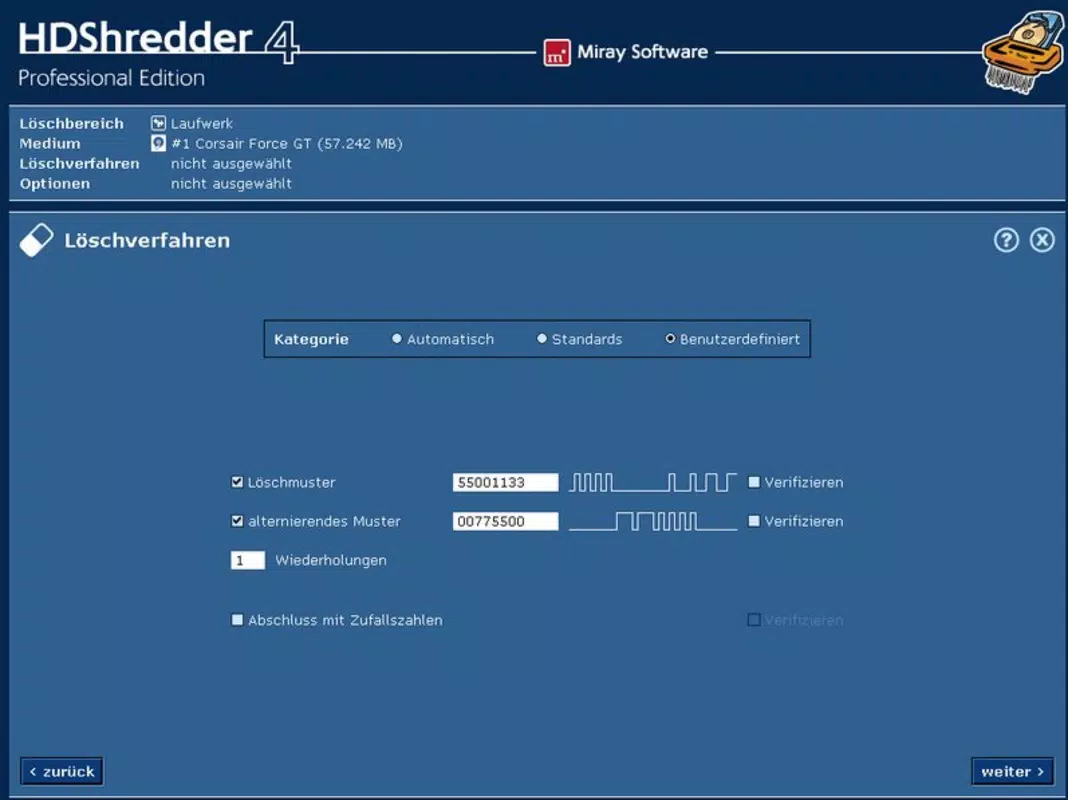
- Custom Deletion Patterns: Users can define personalized deletion routines with up to 398 passes. This level of customization allows for tailored security levels, from standard erasure to military-grade data destruction.
- Professional Reporting: The professional version generates detailed reports documenting the erasure process. These reports can be saved to network locations or USB drives, serving as legal or compliance documentation.
- Renew Your Storage Devices: After secure erasure, storage media can be safely reused or sold. HDShredder enables a clean slate for devices, extending their lifespan while maintaining data integrity.
For example, a business transitioning to new hardware can use HDShredder to wipe old drives before disposal, ensuring no client data remains. Similarly, a home user preparing to sell a laptop can use the tool to erase personal photos, banking details, and passwords with confidence.
Interface, UX & Performance
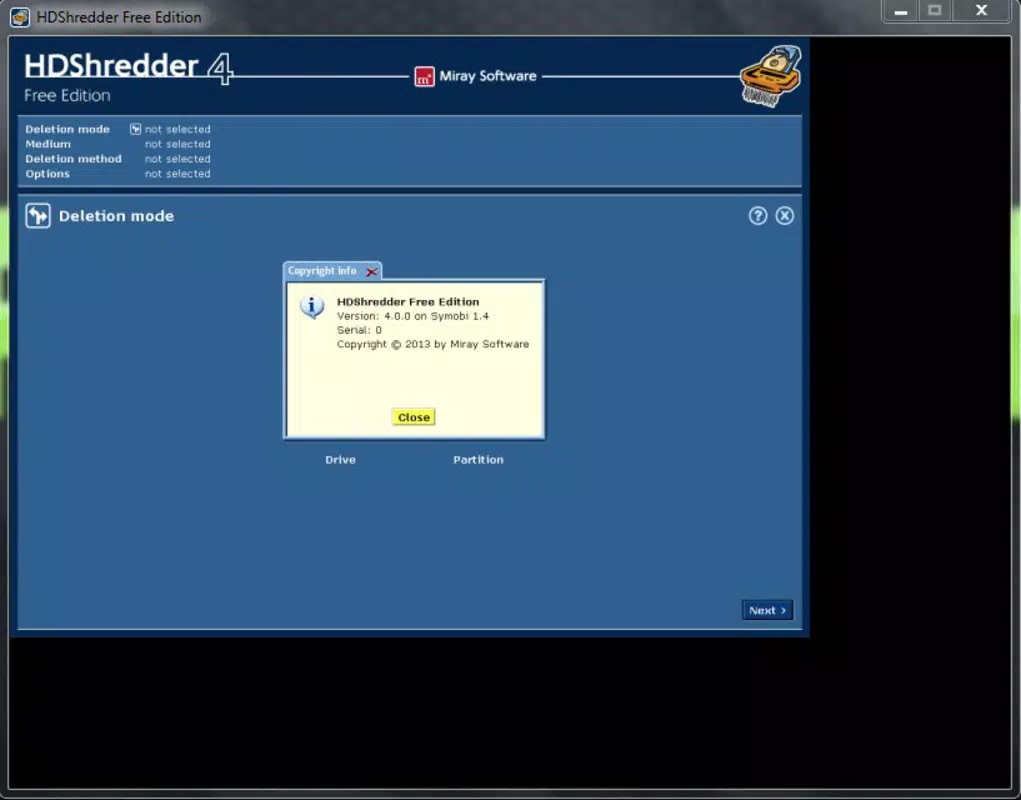
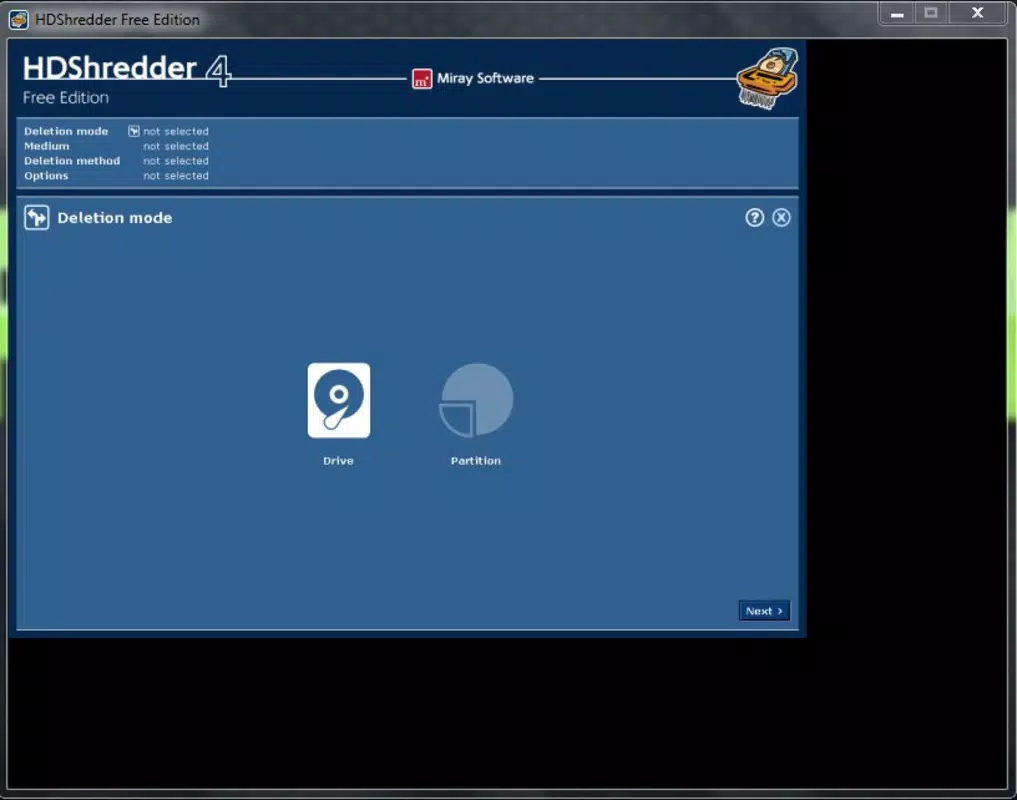
The user interface of HDShredder is designed for clarity and efficiency, prioritizing functionality over decorative elements. Navigation is straightforward, with a menu-driven layout that guides users through the erasure process. Key actions—such as selecting a drive, choosing a deletion pattern, and initiating the wipe—are accessible via clearly labeled buttons and progress indicators.
Although the developer did not list formal performance metrics, the application appears optimized for responsiveness across a range of Windows-based systems. The tool maintains stability during extended operations, which is essential for multi-pass erasures. Users can expect consistent performance on both older and modern hardware, though specific requirements were not disclosed. The interface remains responsive even during high-intensity data wiping, minimizing lag or freezing.
Security is maintained throughout the process, with no visible vulnerabilities reported. The software does not display intrusive ads or collect user data. Overall, HDShredder delivers a professional-grade experience tailored to users who value control, precision, and reliability in data management.
Platform Compatibility & Technical Requirements
HDShredder is available exclusively for the Windows platform. It requires a Windows operating system, though specific version details were not listed by the developer. The application has a file size of 128.0 MB, which is moderate for a utility tool with advanced functionality. This size suggests a streamlined installation with minimal bloat.
Compatibility information was not fully disclosed, so users should verify their system meets the necessary requirements before installation. The developer did not specify minimum RAM, CPU, or disk space needs. While the app is likely compatible with most modern Windows systems, users of older or specialized configurations should exercise caution. No information was provided about support for external drives, SSDs, or RAID arrays.
Pros and Cons
Pros
- Secure, irreversible data erasure with no recovery possibility
- Supports a wide range of file systems and drive types
- Highly customizable deletion patterns with up to 398 passes
- Professional-grade reporting for compliance and documentation
- Enables reuse of storage devices after secure wiping
Cons
- Price point of $49.99 may be high for casual users
- No information on macOS or Linux compatibility
- Specific system requirements were not disclosed
- Only available for Windows, limiting cross-platform use
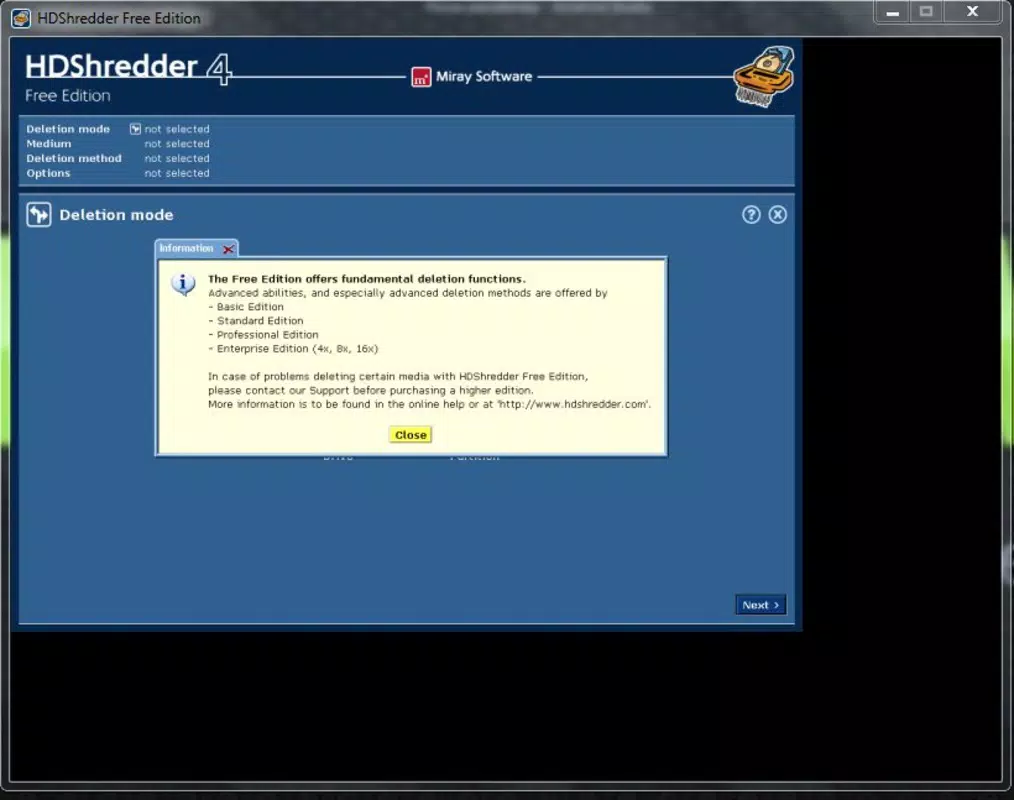
- No free version or trial period mentioned
FAQ
Is HDShredder safe to use on my primary drive?
HDShredder is designed for secure data erasure and should only be used on drives you intend to permanently wipe. Using it on a primary system drive may result in data loss and system instability. Always back up critical data before proceeding.
Can I use HDShredder to erase an SSD?
Yes, HDShredder supports SSDs and other solid-state storage devices. However, the effectiveness of erasure on SSDs may vary due to wear-leveling and over-provisioning. The tool is optimized for maximum compatibility with modern storage media.
Does HDShredder provide a free trial?
The developer did not disclose the availability of a trial version or free alternative. Users are required to purchase the full version to access all features.
Is HDShredder compatible with Windows 10 and Windows 11?
While the app is designed for Windows, specific compatibility with Windows 10 or Windows 11 was not confirmed. Users should ensure their system meets the necessary requirements before installation.
How long does a full data wipe take?
Wipe duration depends on drive size, speed, and selected deletion pattern. A single-pass erasure on a 1TB drive may take several hours, while multi-pass routines can extend the process significantly. The tool provides real-time progress updates.
Final Thoughts + CTA
HDShredder stands out as a powerful and reliable solution for users who demand absolute data security. Its ability to perform irreversible, customizable erasures across diverse storage types makes it a top choice for professionals, IT administrators, and privacy-conscious individuals. While the price and lack of cross-platform availability may deter some, the tool’s robust feature set justifies its cost for those who prioritize data protection.
Whether you're preparing a device for resale, decommissioning old hardware, or ensuring compliance with data regulations, HDShredder delivers peace of mind through verified, traceless data deletion. The inclusion of detailed reporting adds a layer of accountability, making it suitable for enterprise environments.
Download HDShredder now


